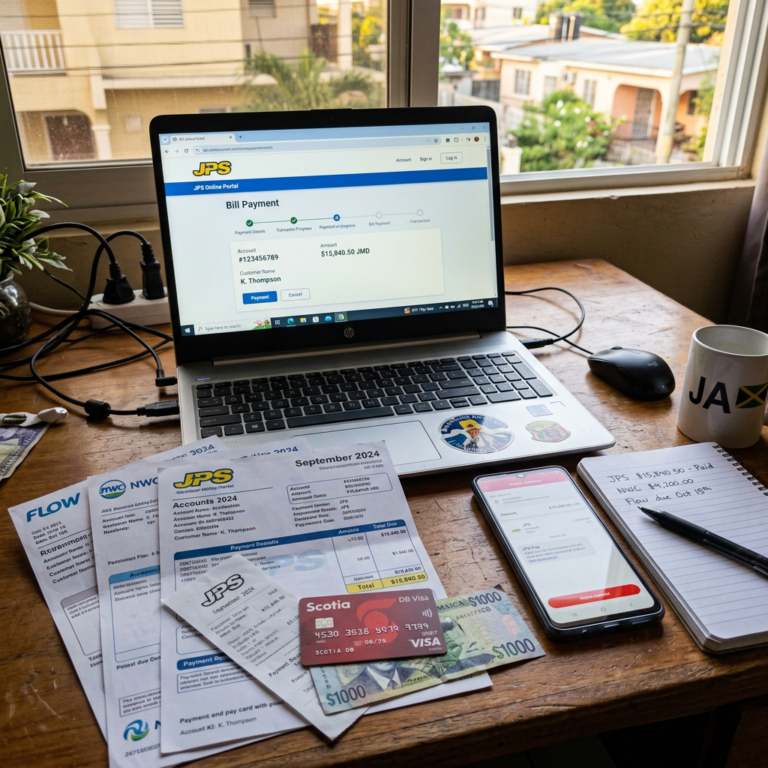
A family member messages to say the light bill is overdue. A tenant reports that the water account has not been paid. Or you are preparing to visit your Jamaican home and want to make sure the electricity, water and internet are still connected.
When you live overseas, paying the bill is often the easy part. The real difficulty is finding the correct account information, getting into the provider’s system and confirming that the payment was actually applied.
JPS, NWC, Flow Jamaica and Digicel Jamaica all provide online payment options. However, the fact that a provider accepts online payments does not guarantee that every foreign-issued card will work. Your bank may decline an international transaction, request additional security verification or charge a foreign-transaction fee.
This guide explains what each provider officially offers, what you need before starting and how to protect yourself from missed payments and unnecessary disconnections.
Reader Note: Utility portals, payment methods, fees and processing times can change. Always confirm the current information on the provider’s official website before submitting payment.
Can You Pay Jamaican Utility Bills From Overseas?
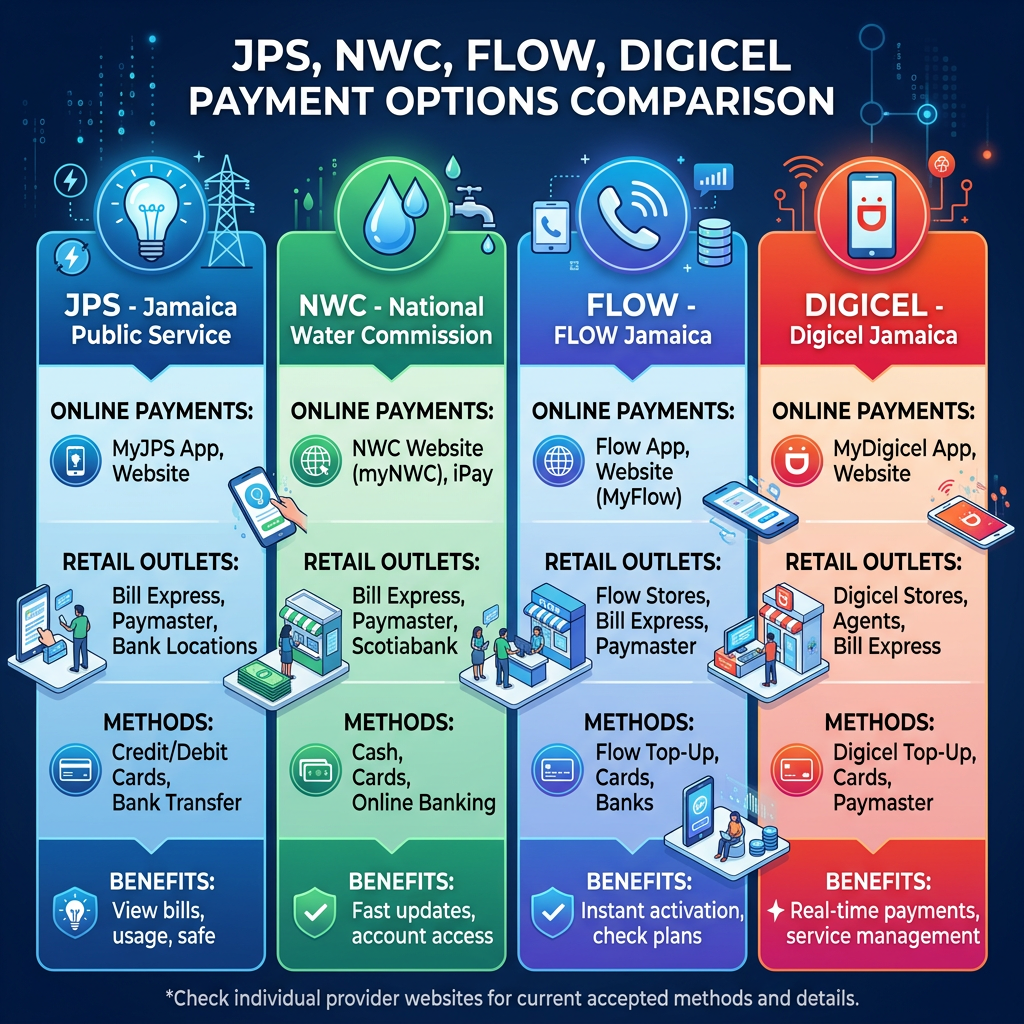
Yes, the four major providers covered in this guide offer online payment options:
- JPS provides the MyJPS web portal and mobile app.
- NWC provides the iPay portal.
- Flow Jamaica directs customers to its online billing and FastPay services.
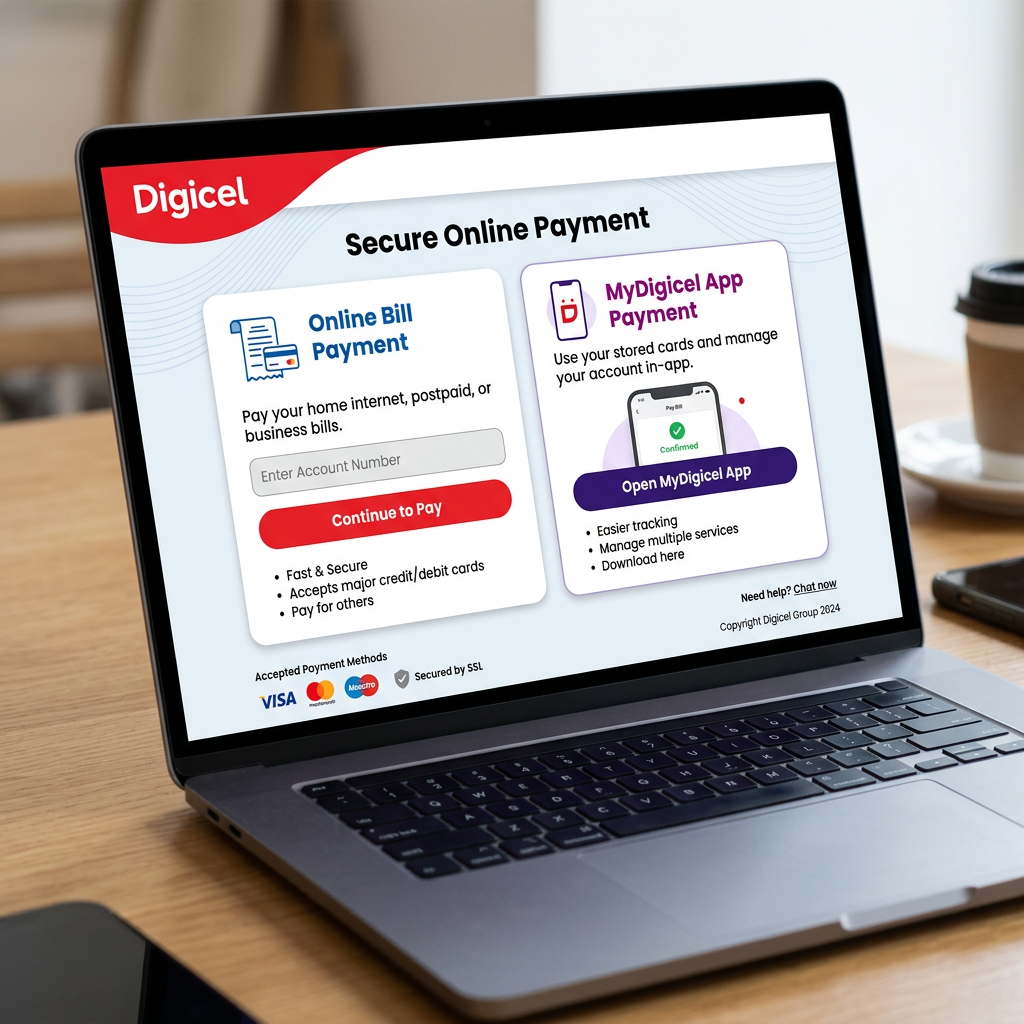
- Digicel Jamaica provides online payment for Digicel Home and postpaid accounts, along with account management through MyDigicel.
The important limitation is card acceptance. Official sources confirm online payments and, in some cases, list accepted card types. They do not guarantee that every card issued outside Jamaica will be approved.
Before attempting payment, make sure your card is enabled for:
- Online purchases
- International transactions
- Foreign-currency transactions
- Additional bank security checks, when required
Quick Comparison
| Provider | Main online option | Registration required | Official posting information | Important detail |
|---|---|---|---|---|
| JPS | MyJPS portal or app | Required for full account management | Within 30 minutes through the official portal or app | Multiple JPS accounts can be managed under one login |
| NWC | NWC iPay | Yes | Account updated within 24 hours | Each payment card must complete a separate verification process |
| Flow Jamaica | Online billing, FastPay and MyFlow | Depends on the selected method | No reliable universal time confirmed | Use the Jamaica-specific Flow site |
| Digicel Jamaica | Online Bill Payment or MyDigicel | Depends on the selected method | Official payment page says payment registers within 24 hours | Keep postpaid bills separate from prepaid top-ups |
What You Need Before You Start
Collect the account information before opening the payment portal. Do not wait until a bill is overdue to start searching for codes and old statements.
You may need:
- The utility account number
- The name listed on the account
- The Jamaican service address
- A recent paper bill or electronic statement
- The email address or phone number connected to the account
- A debit or credit card enabled for international online transactions
- Access to any required security code or verification email
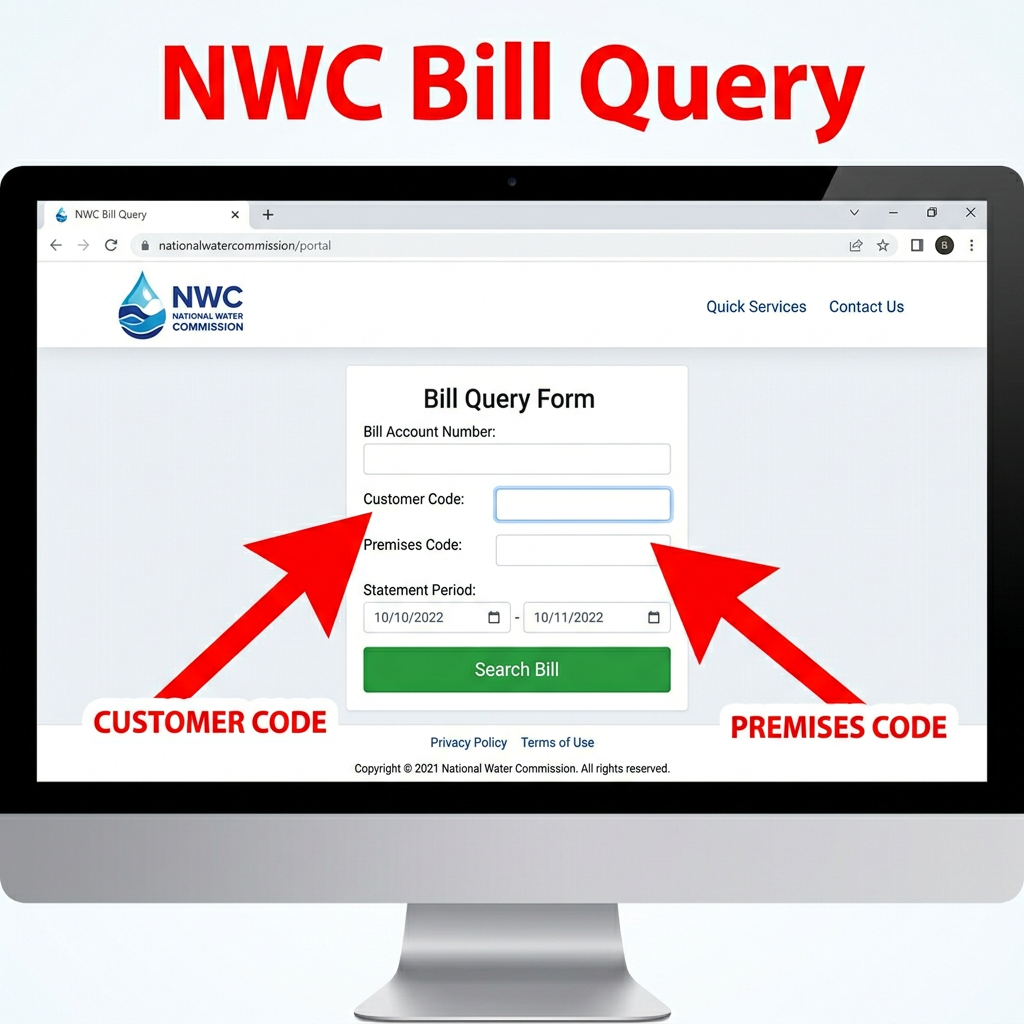
For NWC, you may need both the Customer Code and Premises Code. These are not necessarily interchangeable with a generic “account number.”
For Digicel, the information required may depend on whether you are paying a Digicel Home account or a postpaid mobile account.
Paying a JPS Bill Online
JPS offers two main digital options:
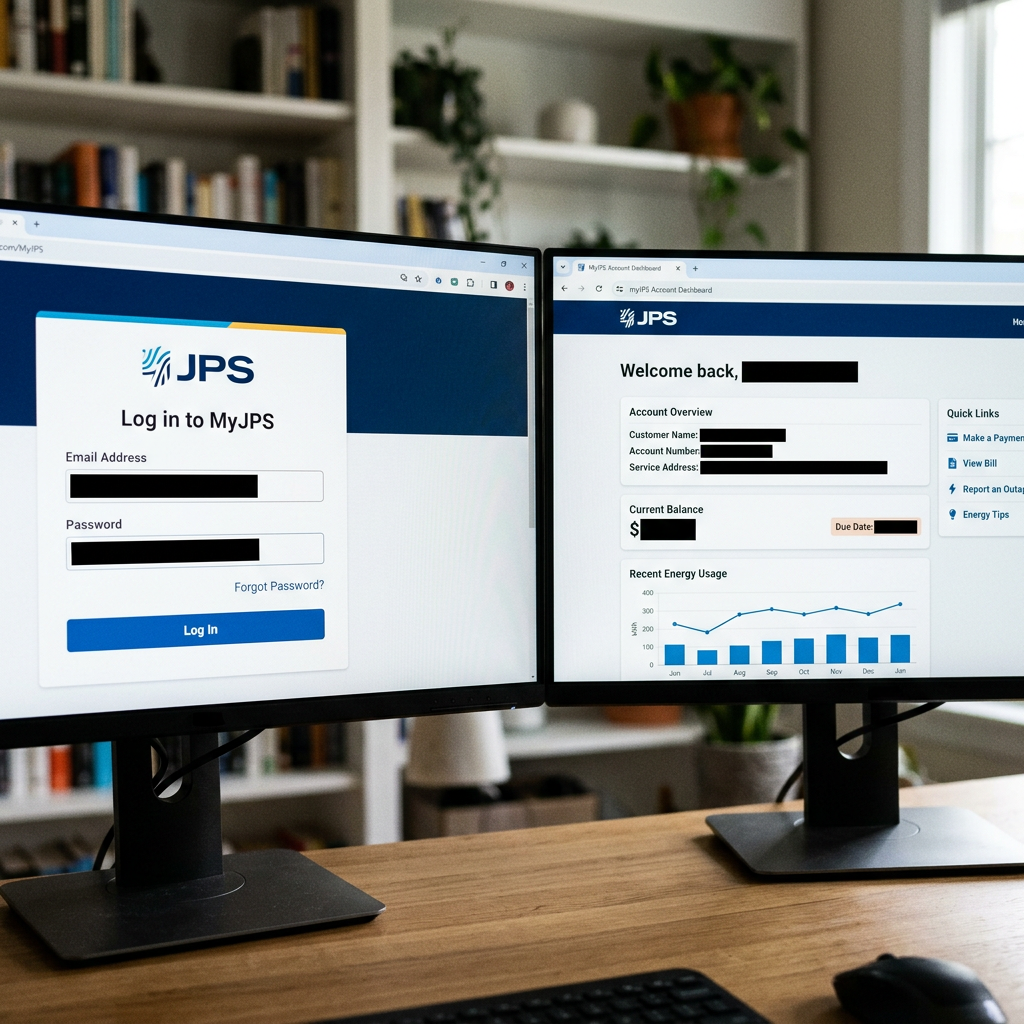
- The MyJPS web portal
- The MyJPS mobile app for iOS and Android
The portal allows customers to pay bills, review payment history and manage multiple JPS accounts from one login.
How to Get Started
- Visit the official MyJPS portal
- Log in using your email address or mobile number.
- If you do not have an account, select Sign Up.
- Add or select the JPS account you want to manage.
- Review the account and balance carefully.
- Choose the payment option and follow the secure portal instructions.
- Save the final confirmation before closing the page.
- Check the account again after the stated posting period.
JPS says payments made through the MyJPS app or web portal reflect on the account within approximately 30 minutes. The portal also lets you manage multiple accounts, which is useful if you are responsible for more than one property or family household.
What If the JPS Account Was Disconnected?
Paying the balance does not necessarily complete the reconnection process.
JPS instructs disconnected customers to:
- Settle the outstanding balance.
- Keep proof of payment.
- Contact JPS Customer Care to arrange reconnection.
A currently published JPS FAQ refers to reconnection within 24 hours after full payment, but the newer customer-service page tells customers to call after paying and does not repeat an unconditional guarantee.
If reconnection is urgent, do not assume the payment alone will restore service.
Contact JPS at:
Official information: JPS Payment and Billing
Paying an NWC Water Bill Online
NWC uses the official NWC iPay portal.
Unlike a simple guest-payment page, NWC requires the user to create an iPay account and register the payment card before making an online payment.
Understanding the NWC Codes
NWC’s online tools use:
- Customer Code: Identifies the customer record.
- Premises Code: Identifies the property receiving the water service.
Do not substitute a meter number unless the portal specifically requests it.
If you only want to check an account balance, NWC provides a separate Bill Query tool that requests the Customer Code and Premises Code.
How NWC Card Registration Works
Before you can pay:
- Create an account through the NWC iPay portal.
- Enter the required account and security information.
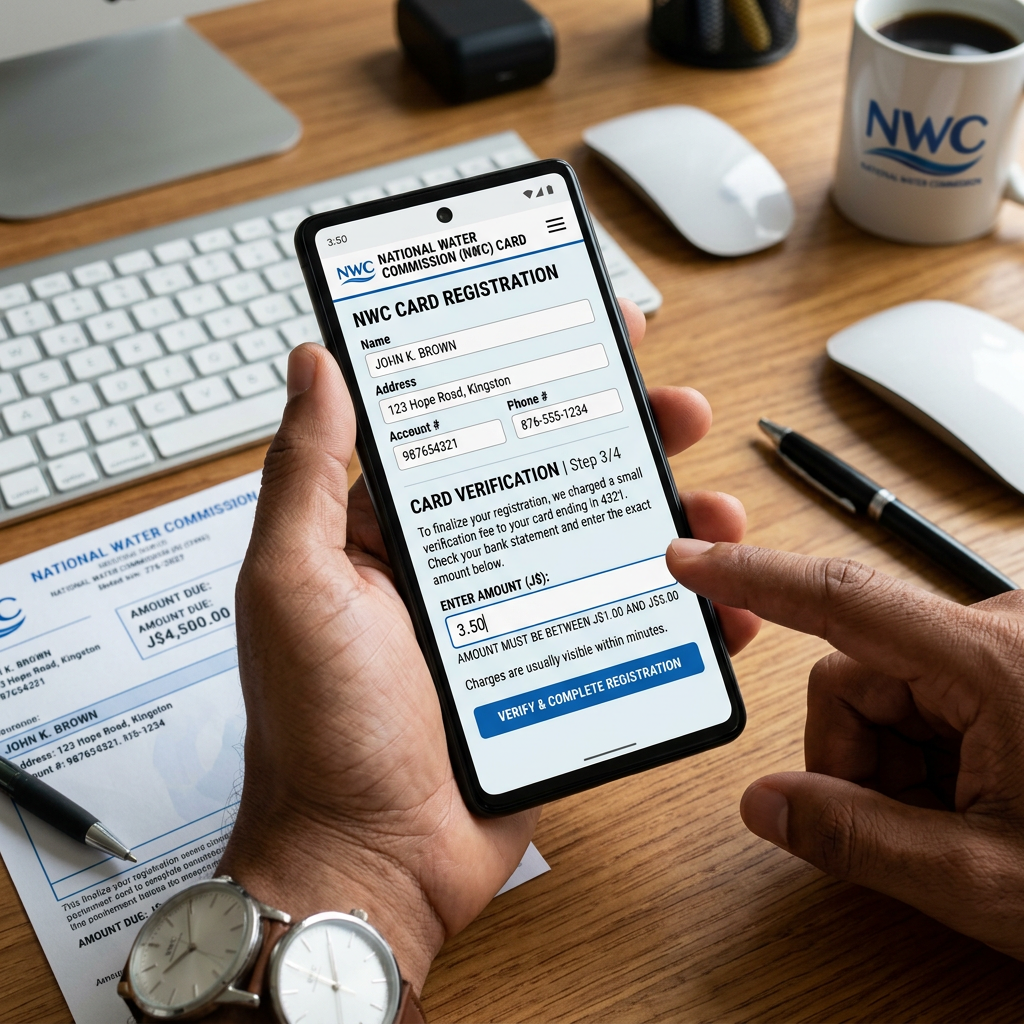
- Register the card you plan to use.
- NWC places a small refundable charge between J$1 and J$5 on the card.
- Contact or check with the issuing bank to find the exact charge.
- Enter that amount in the portal to confirm that you own the card.
- Complete the registration within five days.
- Once verified, proceed with the water-bill payment.
NWC states that the small verification charge is automatically reversed within 72 hours. Each card must be registered separately.
According to the current iPay FAQ, NWC accounts are updated within 24 hours.
Important Overseas Card Warning
NWC lists Visa, Mastercard and Keycard. However, its official information does not explicitly guarantee that every foreign-issued card will work.
If registration fails:
- Confirm that international online transactions are enabled.
- Check whether your bank blocked the small Jamaican verification charge.
- Make sure you entered the exact amount charged.
- Confirm that you completed verification within the five-day period.
- Contact NWC iPay support before repeatedly submitting the card.
NWC Customer Care:
- 888-225-5692
- 876-929-3540 to 3545
- iPay payment support: agency.support@nwc.com.jm
- Website support: ipaysupport@nwc.com.jm
Paying a Flow Jamaica Bill Online
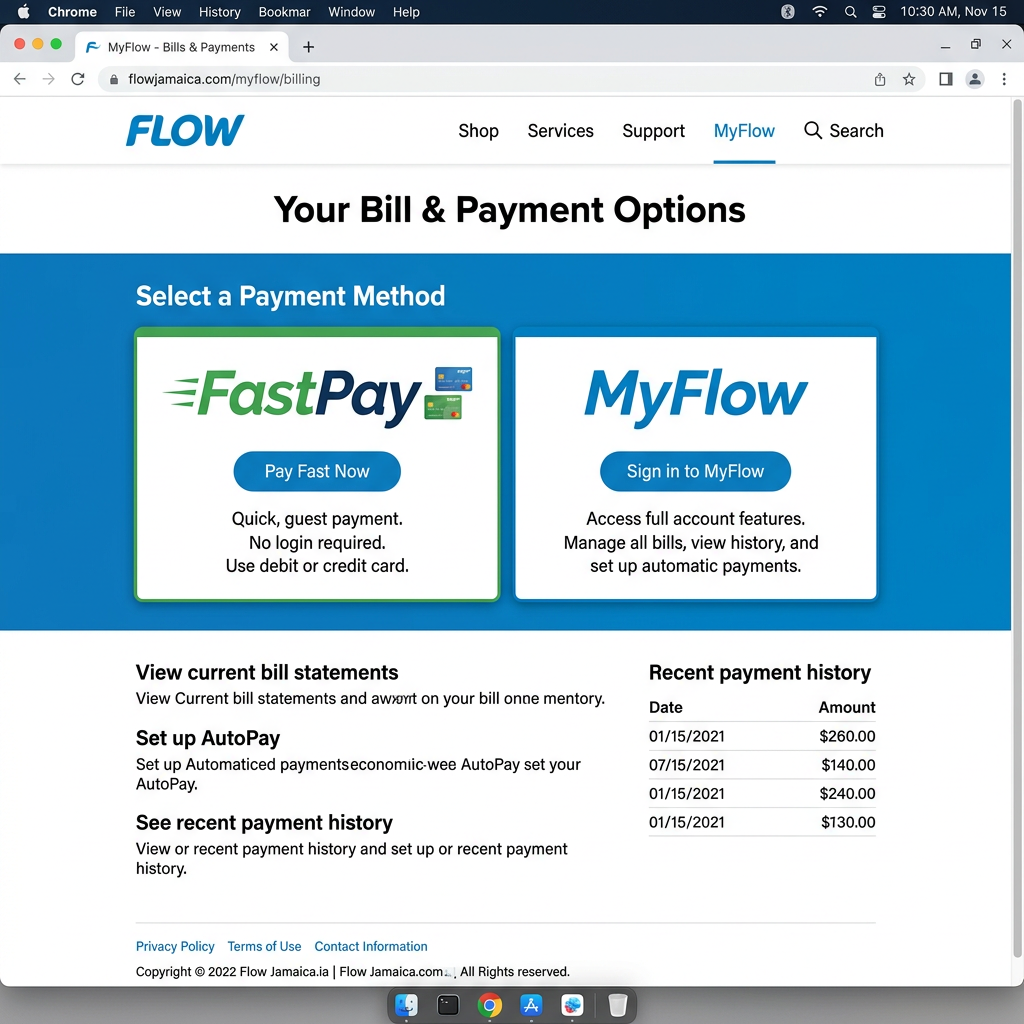
Flow Jamaica offers online account and billing options through its official Jamaica website, including MyFlow and its FastPay service.
Start from the official Flow Jamaica billing page rather than using a payment link found in a message, advertisement or search result from another country.
Flow operates across several Caribbean markets, and instructions for Trinidad, Barbados or another country may not match the Jamaica payment system.
Before Paying
Have the following nearby:
- Your Flow account number or service number
- The account holder’s name
- The email address connected to the account
- The service address
- Your payment card
The Flow account number is generally available on the bill or the original welcome email.
Choosing the Right Flow Option
Use:
- FastPay when the Jamaica billing page offers a direct one-time payment option.
- MyFlow when you want to view bills, manage the account and keep track of services.
Follow the prompts displayed on the live Jamaica portal. Verify the account details before entering payment information.
The official information reviewed did not provide a reliable universal payment-posting time or guarantee that every foreign-issued card will be accepted. Save the confirmation and check the balance again before assuming the payment is complete.
If Flow Service Has Been Disconnected
Flow’s reconnection requirements can vary by service.
Its fixed-line terms state that restoration may require:
- Payment of the outstanding bill
- A reconnection fee
- Any additional deposit required on the account
Do not assume that a fixed-line restoration rule automatically applies to broadband, television or postpaid mobile service.
For help, contact Flow Jamaica Customer Care at 1-800-804-2994 or use the support section on the official Flow Jamaica website.
Paying a Digicel Jamaica Bill Online
Digicel Jamaica provides online bill payment for:
- Digicel Home
- Digicel postpaid accounts
You can start at the official Digicel Jamaica Online Bill Payment page or use MyDigicel to manage linked accounts and transactions.
Do Not Confuse Bill Payment With Top-Up
A prepaid top-up adds credit or a plan to a prepaid mobile number.
A postpaid payment settles a monthly postpaid bill.
A Digicel Home payment settles an account for eligible home internet, television or related services.
Select the payment option that matches the service. Using the wrong number or wrong payment pathway can prevent the system from locating the account.
Paying Through MyDigicel
The exact screen may vary, but Digicel’s published guidance directs users to:
- Open MyDigicel.
- Go to the bills or account-payment area.
- Select the account or add the bill.
- Enter the requested account information.
- Review the amount.
- Choose the available payment method.
- Submit the payment.
- Save the confirmation email.
Digicel’s official payment page currently says payments register within 24 hours.
For Digicel support:
- Dial 100 from a Digicel phone.
- Call 1-876-619-3444 from another network.
- Email customercare@digicelgroup.com.
- Visit the Digicel Jamaica contact page.
Will a US, UK or Canadian Card Work?
It may, but it is not guaranteed.
A provider may accept Visa or Mastercard while your overseas bank still declines the transaction. Possible reasons include:
- International transactions are disabled.
- The charge triggers the bank’s fraud protection.
- Additional card verification is required.
- The billing address does not pass the payment processor’s checks.
- The bank blocks a small verification charge.
- The card has a foreign-transaction restriction.
Before retrying several times, contact the card issuer. Repeated attempts can create duplicate pending charges or cause the card to be temporarily blocked.
Also check whether your bank charges:
- A foreign-transaction fee
- A currency-conversion fee
- A different exchange rate from the one displayed by the provider
Paying a Bill Is Not the Same as Managing the Account
This distinction matters when the utility is still in a parent’s, relative’s, tenant’s or former owner’s name.
There are four different actions:
- Paying the bill: Submitting money toward an identified account.
- Viewing the bill: Accessing the balance, statement or payment history.
- Managing the account: Changing contact details, requesting service or viewing private information.
- Transferring the account: Changing the person legally responsible for the service.
A person may be able to assist with payment without having permission to change the account. Viewing or managing the full account may require verification through the account holder’s email, telephone number, security answer or identification.
Do not share:
- Account passwords
- Card PINs
- Card CVV numbers
- One-time security codes
- Complete card photographs
- Full online-banking credentials
If another person regularly assists with the property, agree in writing on what they may do. Our guide on choosing someone to watch your Jamaican property explains how to set clearer expectations with a caretaker or local contact.
How to Confirm That the Payment Was Applied
Never stop at the “payment submitted” screen.
After paying:
- Take a screenshot of the confirmation.
- Download any receipt provided.
- Save the confirmation email.
- Record the transaction or reference number.
- Note the date, amount, provider and account paid.
- Check the balance again after the provider’s posting period.
- Contact the provider if the payment was deducted but the balance remains unchanged.
Store the information in a dedicated digital folder. If you manage a home from abroad, the Jamaican Overseas Homeowner Checklist can help you organize utility, property-tax, title, insurance and maintenance records.
Island Breeze Tip: Keep a simple utility record with the provider name, account identifier, due date, last payment date and confirmation number. Do not store full card information or passwords in an unprotected note.
What to Do When an Online Payment Fails
Work through the problem in this order:
- Confirm that you are on the provider’s official website.
- Recheck the account number and service type.
- Confirm that the card allows international online transactions.
- Look for a bank fraud alert or security-verification request.
- Check whether the charge is pending before trying again.
- Save any error message or reference number.
- Contact the provider through the contact details published on its official website.
- If the card was charged, contact both the provider and card issuer before submitting another payment.
Do not send card information to someone claiming to be a utility agent through an unsolicited WhatsApp message or social-media account.
Other Payment Channels
JPS and NWC officially recognize several third-party channels, including some banks, Bill Express and Paymaster.
These may be useful alternatives, but an official listing does not prove that:
- An overseas resident can register
- A foreign-issued card will be accepted
- A Jamaican bank account is unnecessary
- The payment will post as quickly as a direct provider payment
- The service is free
When possible, start with the utility provider’s own official portal.
If you also manage property expenses, see our guide to paying Jamaican property tax online from overseas.
Overseas Utility-Payment Checklist
Before paying:
- Confirm the official provider website.
- Locate the correct account identifier.
- Verify the account holder’s name and service address.
- Check the current balance.
- Confirm that your card allows international online payments.
- Review possible foreign-transaction fees.
- Make sure you can receive required security codes.
After paying:
- Save the confirmation screen.
- Download the receipt.
- Record the reference number.
- Check the balance after the posting period.
- Contact the provider if the payment is not reflected.
- Do not submit a second payment until you check for pending charges.
Frequently Asked Questions
Can I pay a Jamaican utility bill without a Jamaican bank account?
The providers offer online card-payment options, but their official public information does not universally confirm that a Jamaican bank account is unnecessary in every situation. Card approval depends partly on the card issuer and payment processor.
Can I use a US, UK or Canadian card?
Possibly. Major card types are accepted where specified, but the providers do not guarantee acceptance of every foreign-issued card. Confirm that your card permits international online transactions.
Why did NWC charge my card a small random amount?
NWC uses a refundable charge between J$1 and J$5 to verify card ownership. You must obtain the exact amount from the issuing bank and enter it during registration. NWC says the charge is reversed within 72 hours.
How quickly will my JPS payment appear?
JPS states that payments made through the MyJPS app or web portal reflect within approximately 30 minutes.
How quickly does Digicel register an online payment?
Digicel Jamaica’s official online bill-payment page currently advises that payment registers within 24 hours.
Is a Digicel top-up the same as paying a postpaid bill?
No. A top-up adds credit or a plan to a prepaid number. A postpaid or Digicel Home payment settles a billed account.
Will service reconnect automatically after payment?
Do not assume it will. JPS instructs customers to call after settling a disconnected account. Other providers may require a reconnection fee, deposit or additional verification depending on the service.
Can I pay a bill that is not in my name?
Some systems may allow payment using the account information, but that does not give you authority to view private records, change the account or transfer the service. Provider verification requirements vary.
Final Thoughts
Paying Jamaican utility bills from overseas is possible, but the process works best when your account information is already organized.
Set up electronic bills before there is a problem. Keep the correct account numbers in a secure location. Save every payment confirmation. Most importantly, check that the payment was applied instead of assuming that submitting it completed the process.
Once those systems are in place, managing a Jamaican home or helping family from overseas becomes far less stressful.